

Huion Kamvas Pro 16 V2 Graphics Tablet 15.6 Inch Display PenTech 4.0 Stylus 16K Levels Pressure, 2nd Gen Anti-glare Etched Glass


Huion Kamvas Pro 16 V2 Graphics Tablet 15.6 Inch Display PenTech 4.0 Stylus 16K Levels Pressure, 2nd Gen Anti-glare Etched Glass
SPECIFICATIONS
Active Area: 344.16 x 193.59 mm
Battery Included: no
Brand Name: HUION
Certification: CE
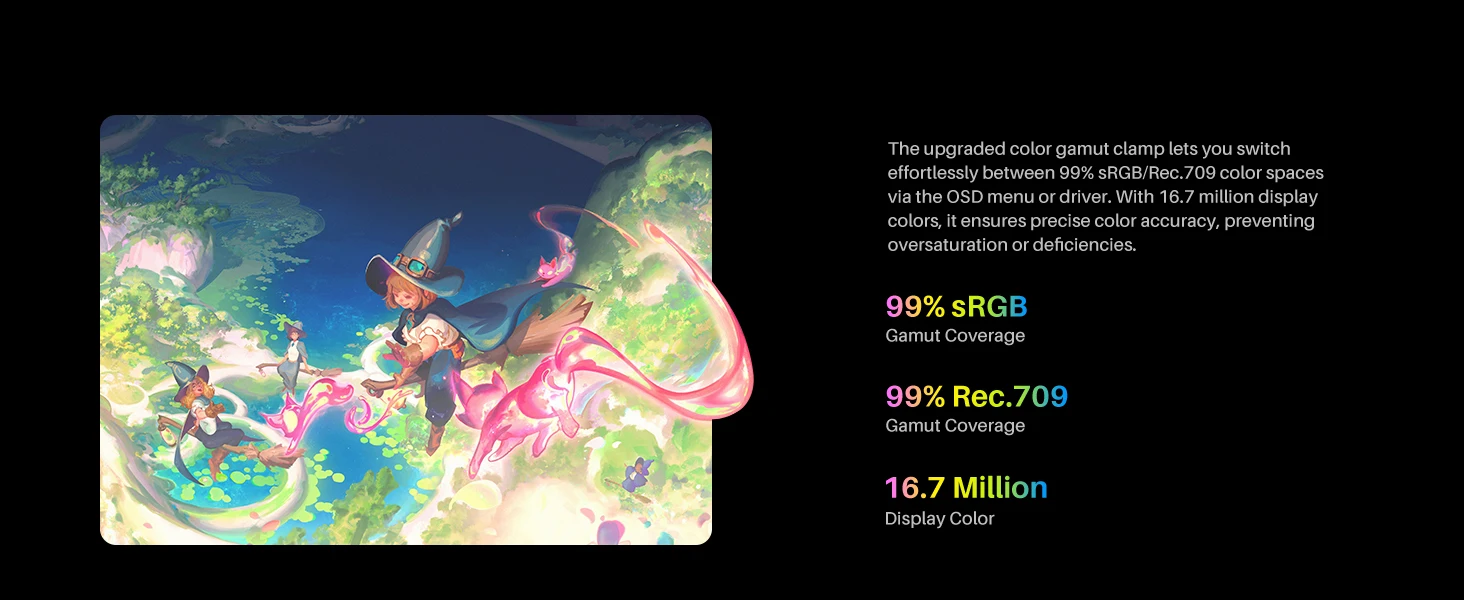
Color Gamut Coverage: 99%sRGB, 99%Rec.709
Digital Pen: PW600A
Display Color: 16.7M (8bit)
Finger Touch: Touch Bar
HUION Model: GT-156 V2
High-concerned chemical: None
Interface Type: USB
LCD Type: IPS 60Hz
Material: Plastic
NOTICE: Can not work alone, must need to connect to a computer.
OS Support: Windows 10 or later, macOS 10.12 or later, LinuxOS (Ubuntu 20.04 LTS)
Origin:
PPI (Pixels Per Inch): 142 PPI
Package: Yes
Press Keys: 6 Programmable Press Keys
Pressure Levels: 16384
Reading Height: 10mm
Resolution Ratio: 5080lpi
Response Time: 25ms
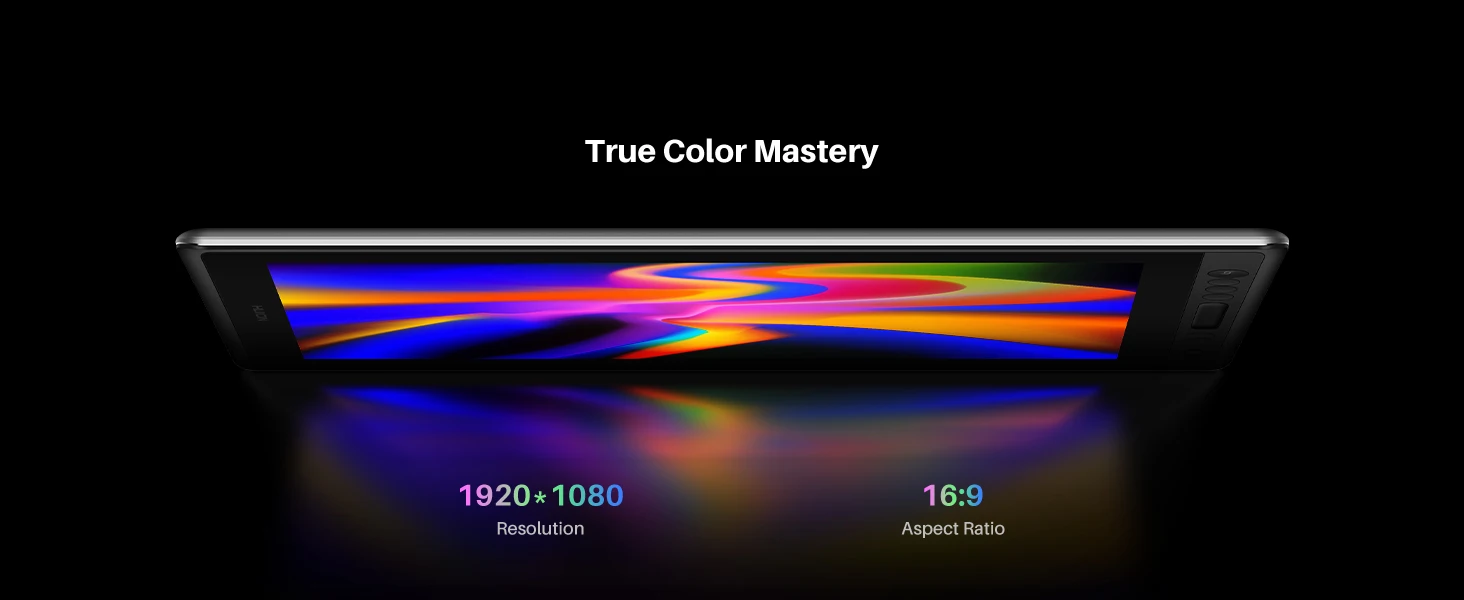
Screen Resolution: 1920x1080
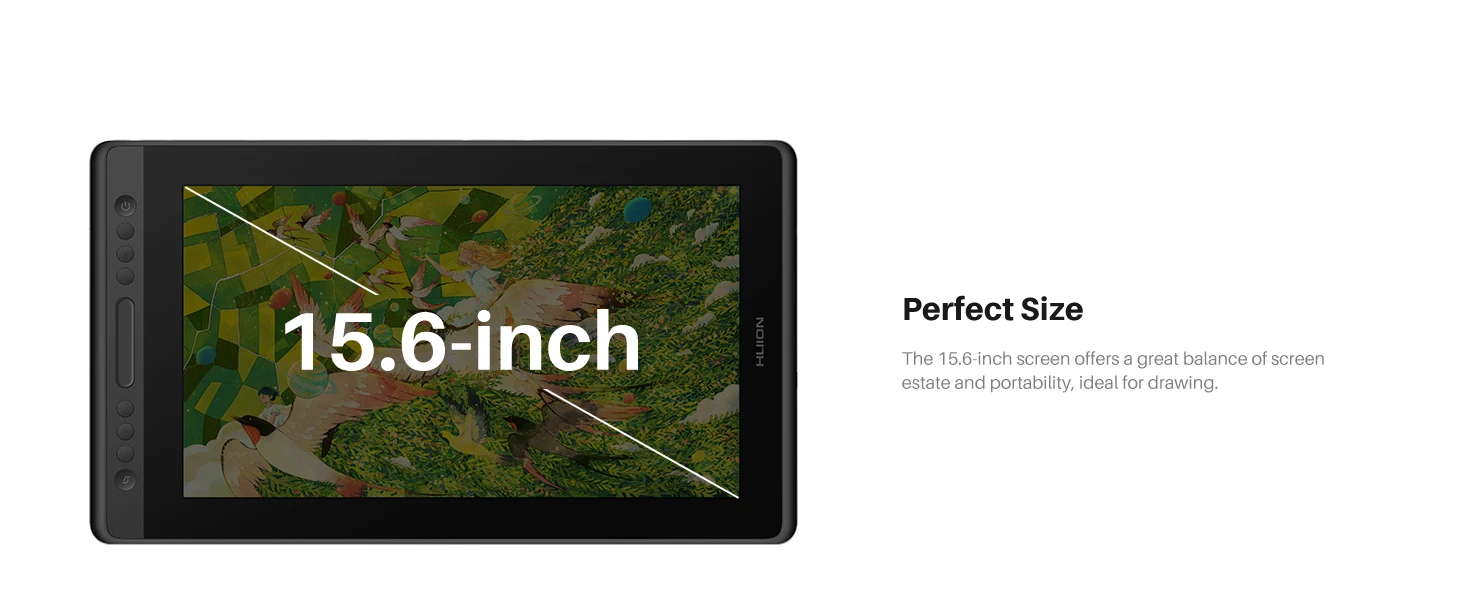
Screen Size(diagonal): 15.6"
Surface Finish: 2nd Gen Anti-glare Etched Glass
Type: Pen Tablet Monitor,Digital Tablets
HUION Kamvas Pro 16 V2 Your Quality Choice.
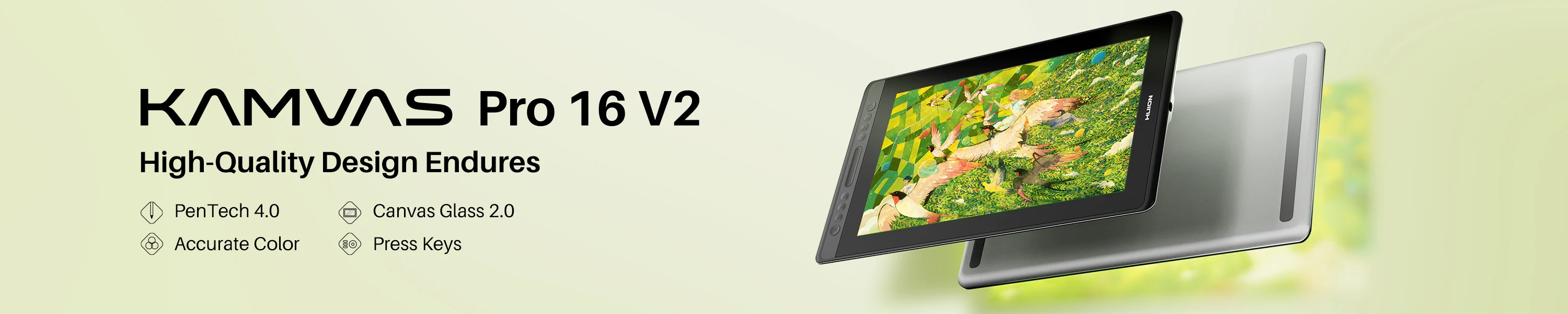
Upgraded version of Kamvas Pro 16, enhanced pen experience powered by PenTech 4.0, accurate color, 2nd gen anti-glare etched glass, durable metal backcase
Highlights:
- The 15.6-inch screen and the FHD resolution are perfectly matched to deliver vivid and sharp details.
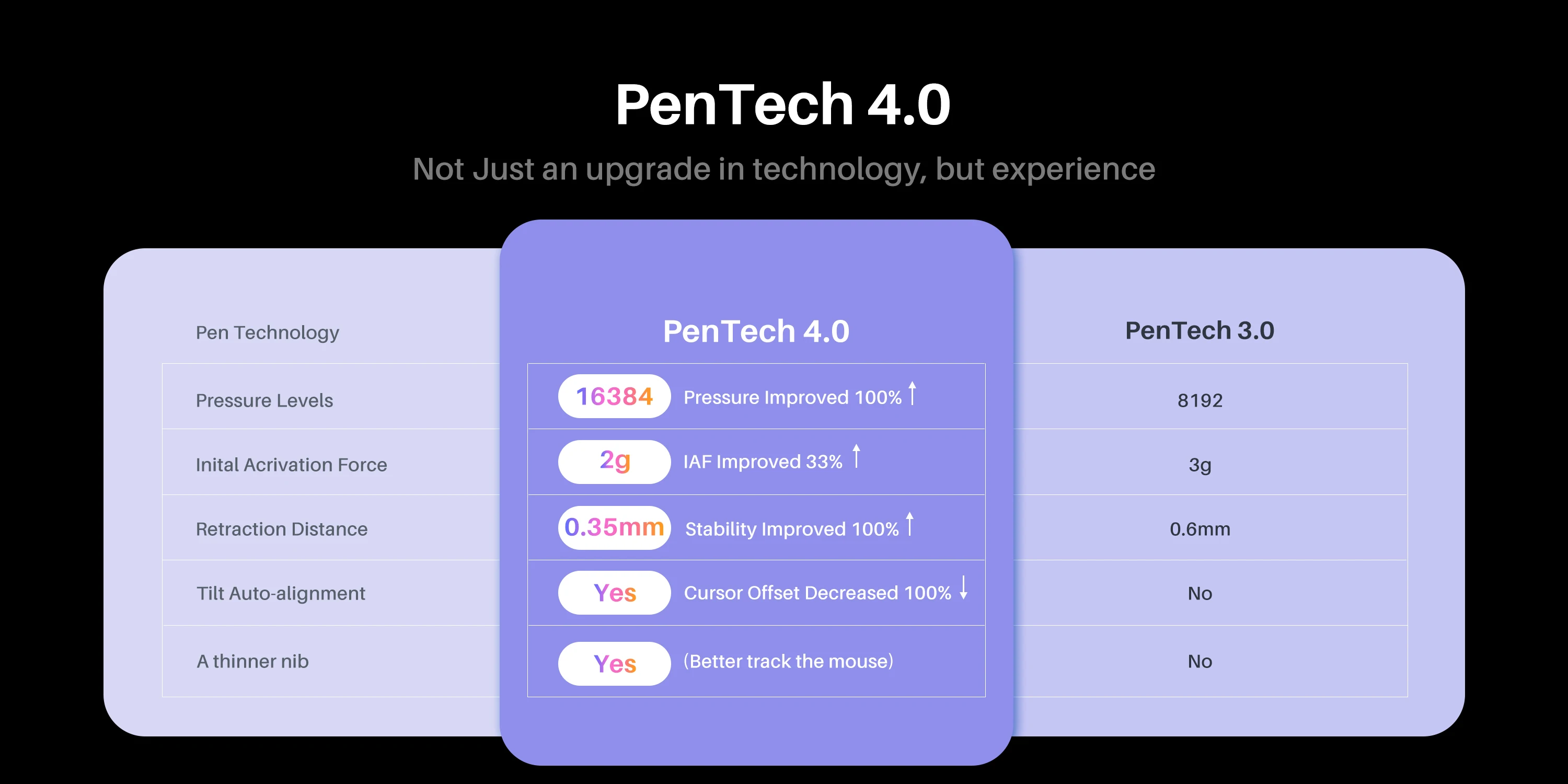
- Powered by advanced PenTech 4.0, the PW600A pen ensures a realistic, pen-like drawing experience.
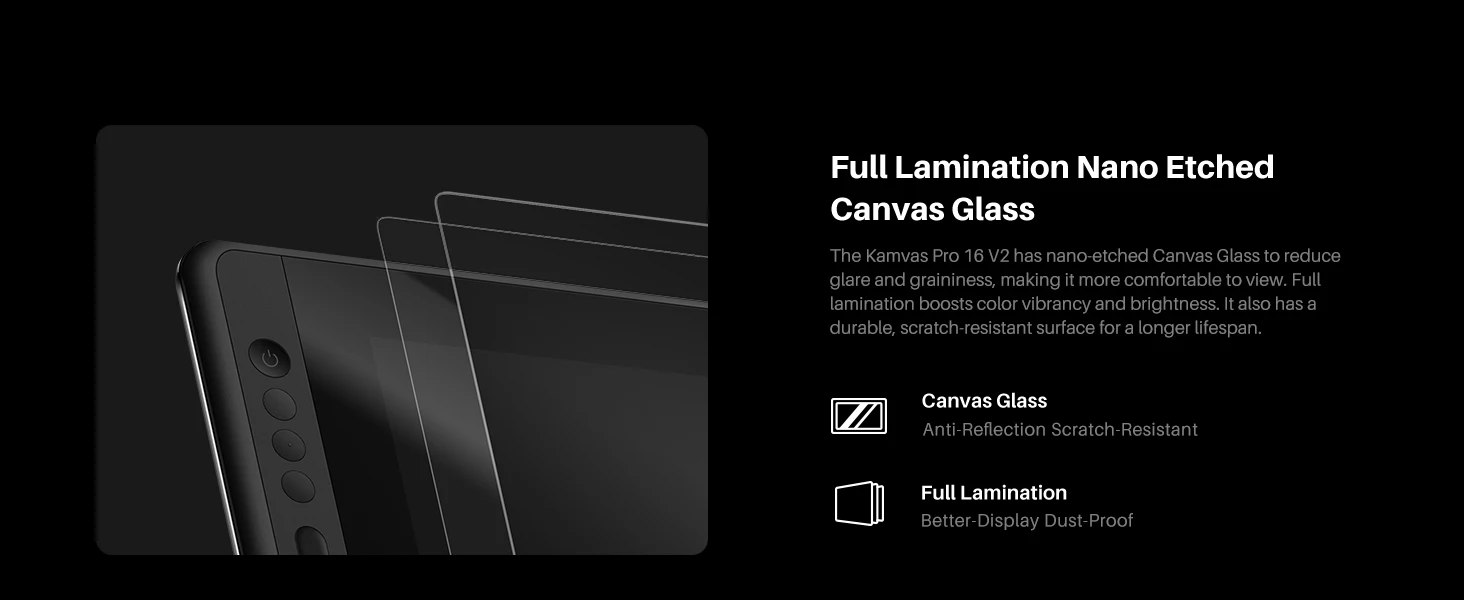
- Canvas glass is fully laminated and durable, and it also reduces graininess on solid backgrounds.
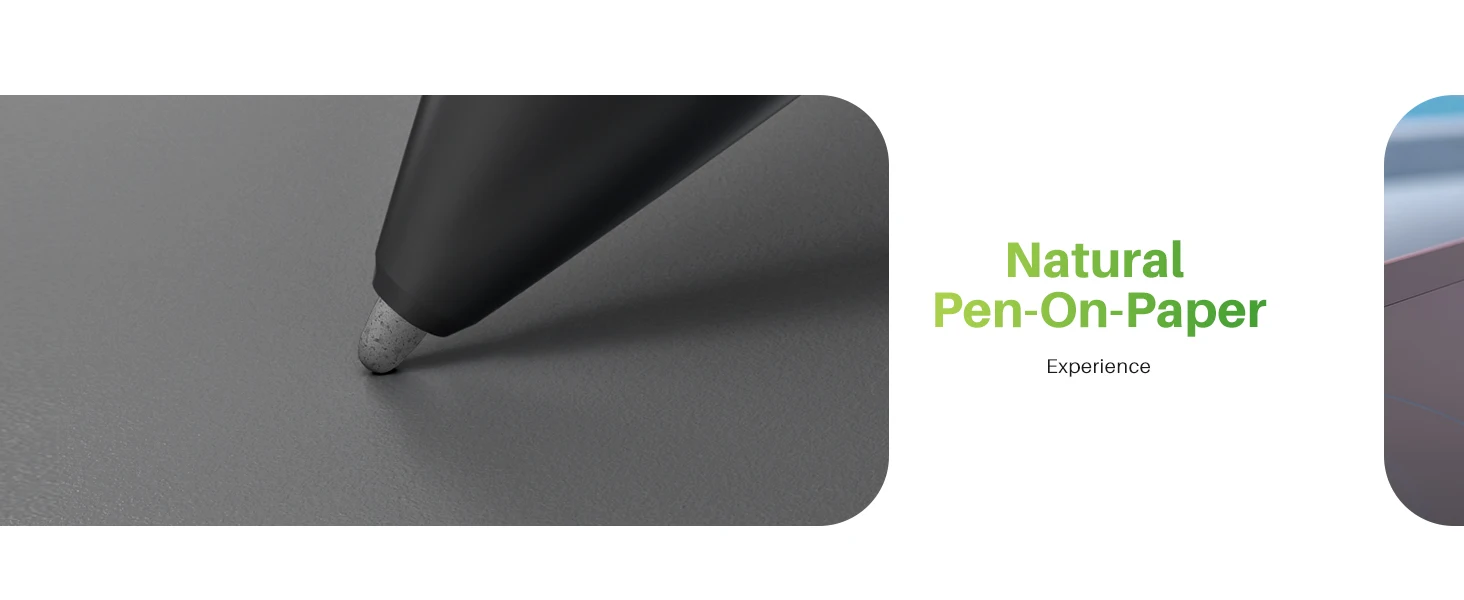
- The paper-like texture on the surface provides more friction when drawing or writing.
- It covers 99% of the sRGB and 99% of the Rec. 709 color spaces.
- 6 press keys and 1 touch strip help to boost your productivity.
- Everything you need is included, such as the cable, stand, and pen nib replacements.
- Compatible with Windows, macOS and Linux OS.
New Technology Pen Tech 4.0
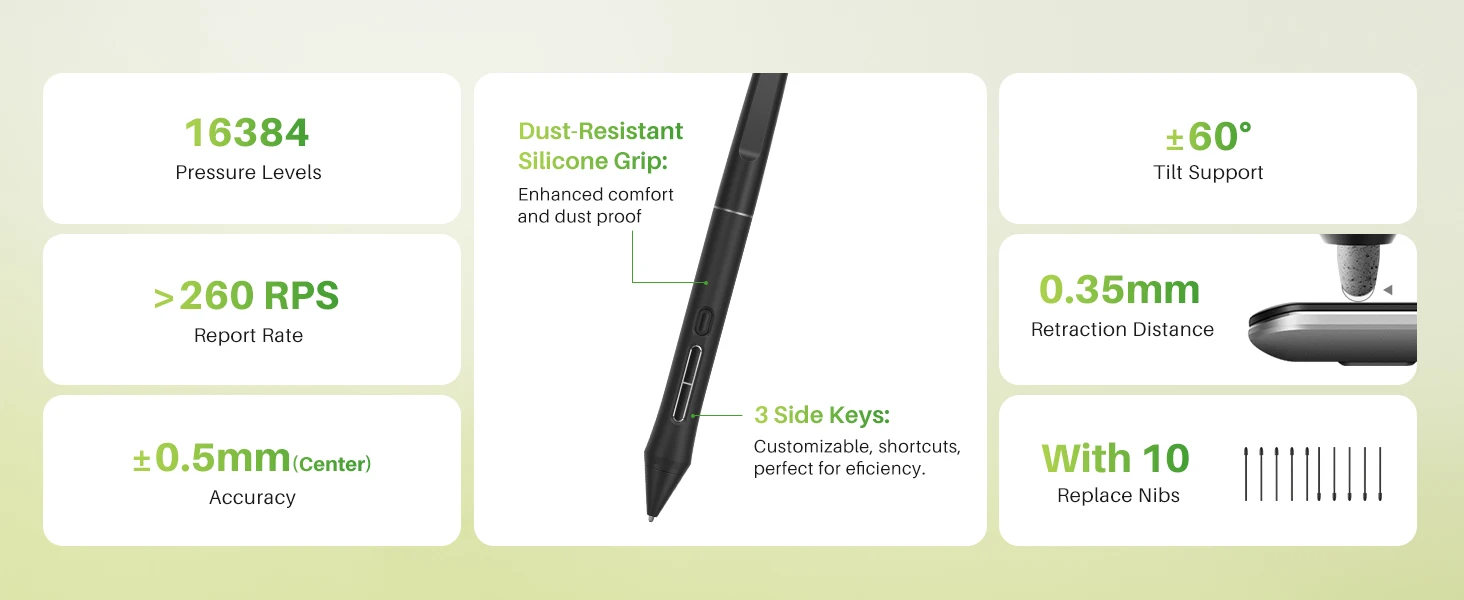
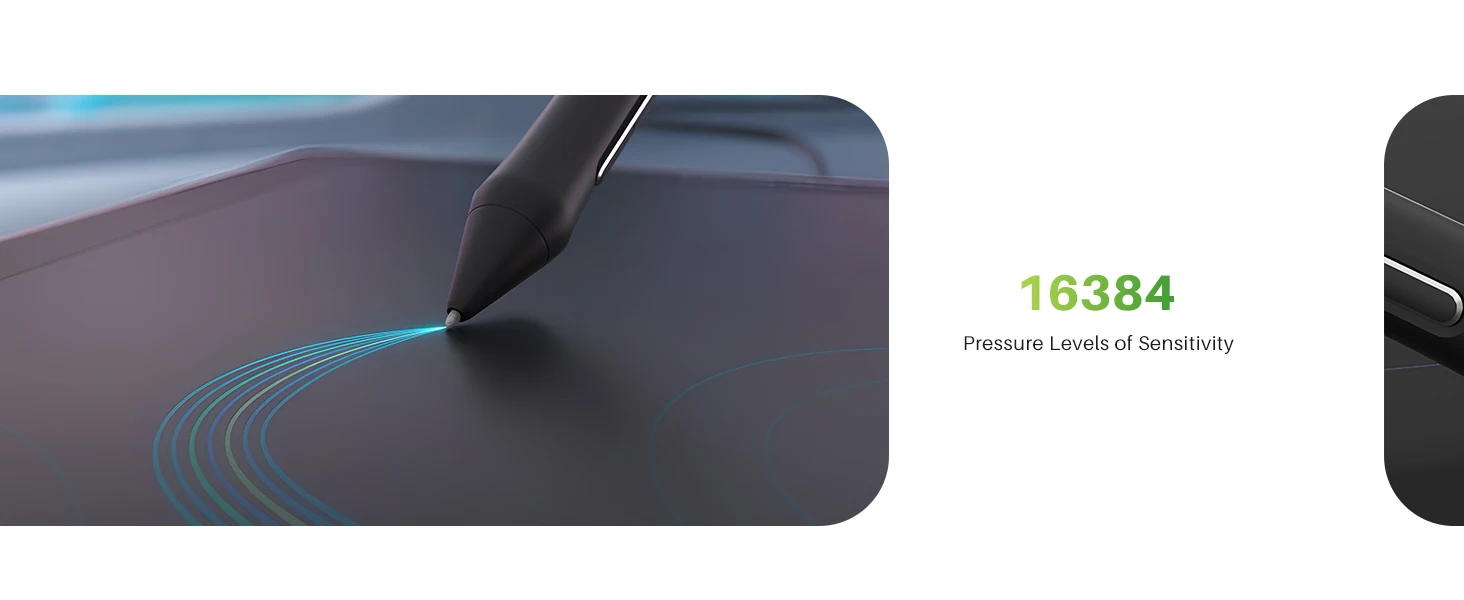
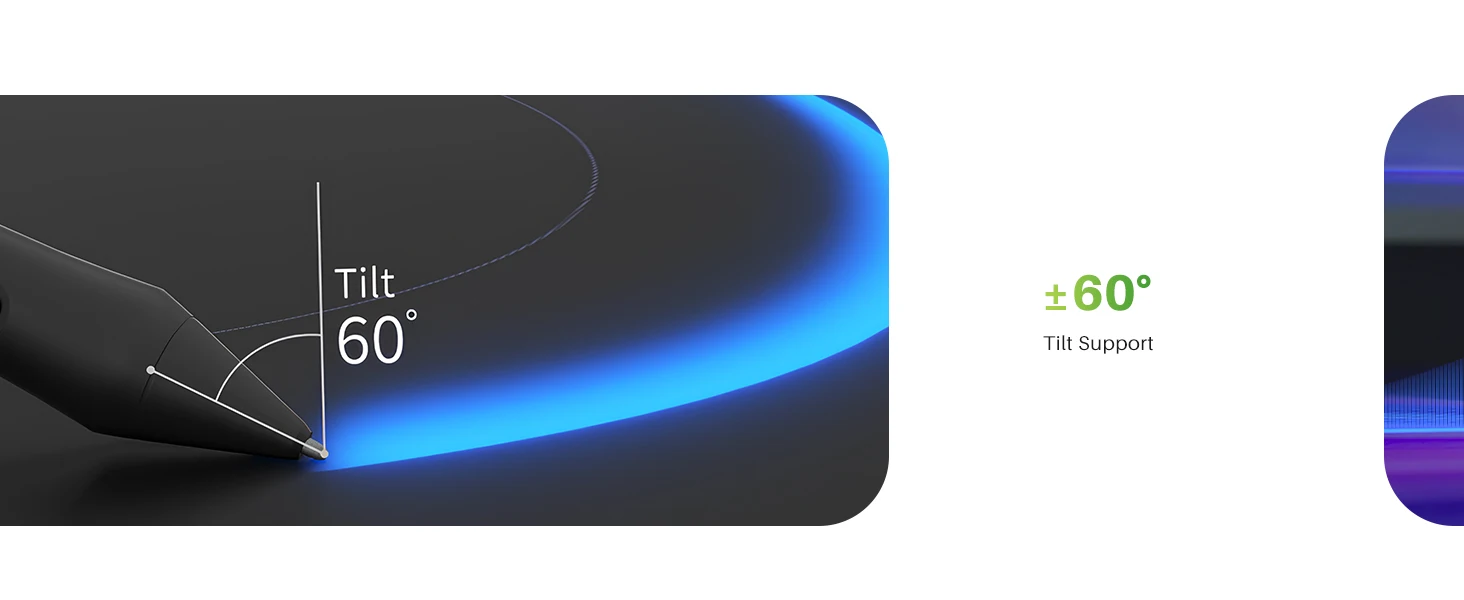
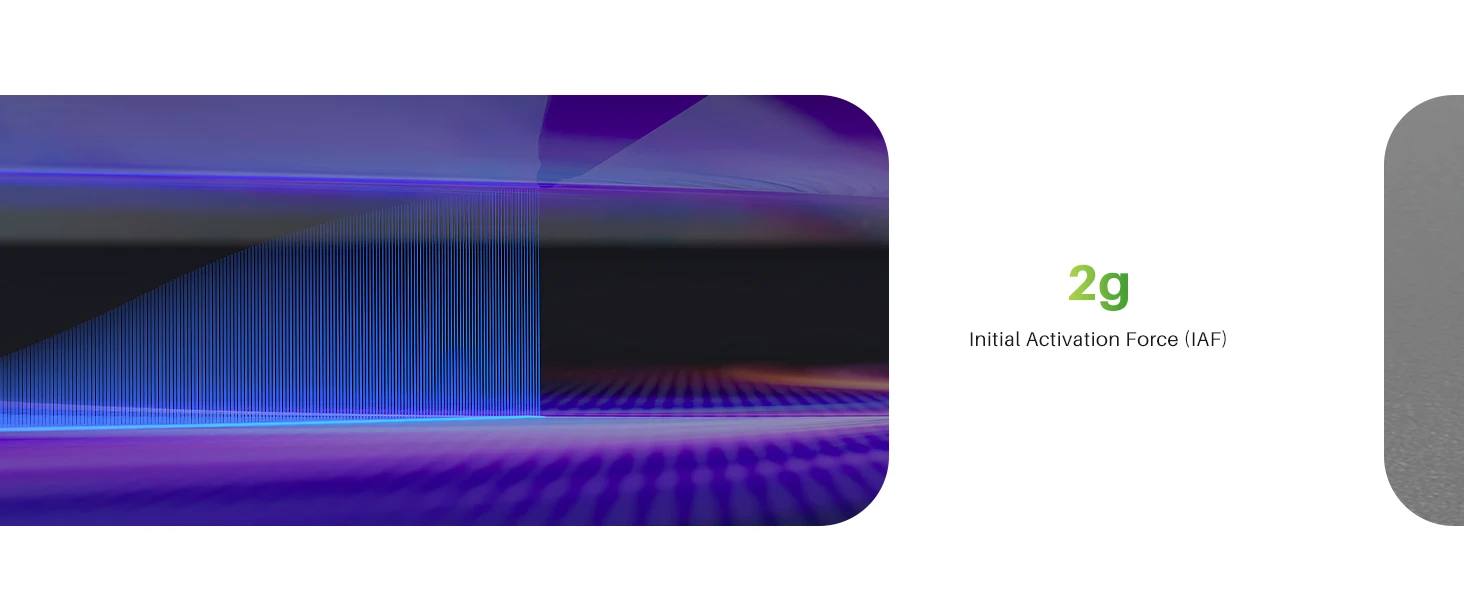
Pixel-Perfect Pen Precision: The battery-free PW600A with Pentech 4.0 offers 16,384 pressure levels and 5080 LPI resolution for capturing the finest details and most nuanced strokes.With three side keys and a dust-proof grip, it not only provides a real pen-like experience but also boosts effciency.
Kamvas Pro 16 V2 features nano-etched Canvas Glass, reducing glare and minimizing graininess for a more comfortable viewing experience. Full-lamination technology enhances color vibrancy and brightness. All these help create a durable and scratch-resistant surface, ensuring a longer lifespan.
True Paper-like & Vibrant Color: Draw naturally on the 15.6" full-laminated anti-glare digital drawing display—minimal parallax, reduced glare, and a paper-like texture. Enjoy stunning visuals with he upgraded color gamut120% sRGB color coverage (99% sRGB + 99% Rec.709) and 16.7 million colors for print-ready accuracy, even at wide 178° viewing angles.
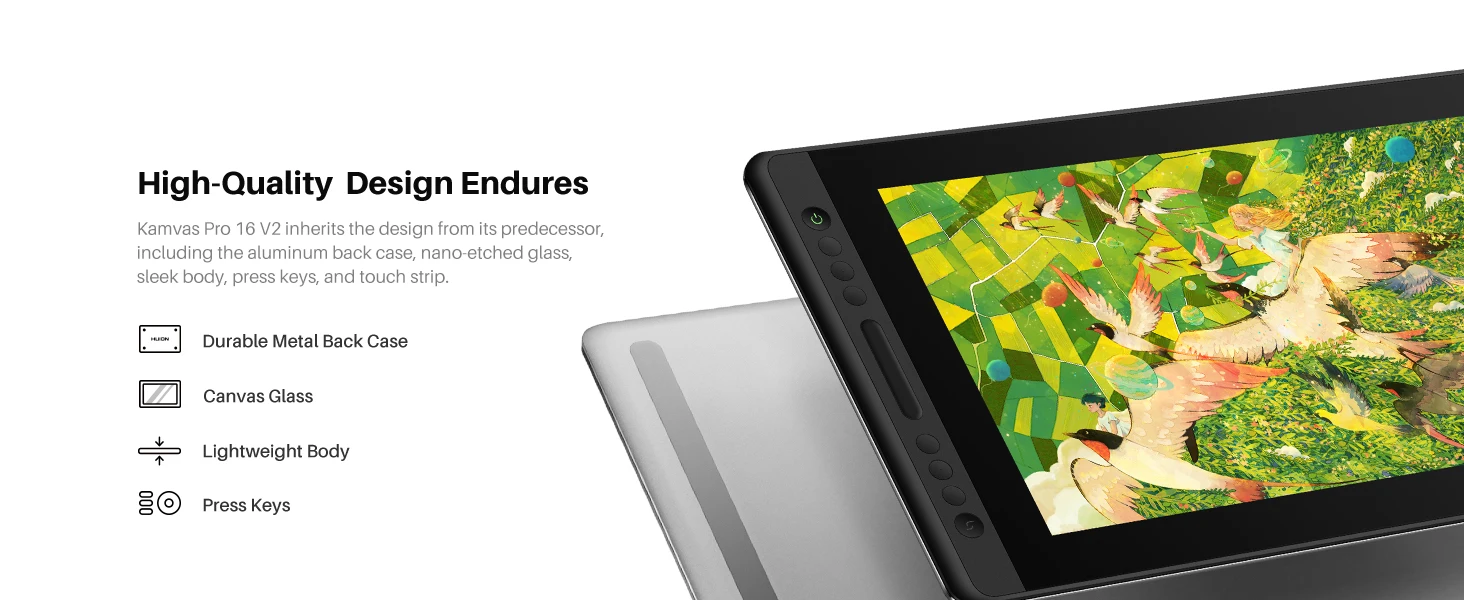
Kamvas Pro 16 V2 inherits the design from its predecessor, including the aluminum back case, nano-etched glass, sleek body, press keys, and touch strip.
Perfect Size: The 15.6-inch screen offers a great balance of screen estate and portability, ideal for drawing.
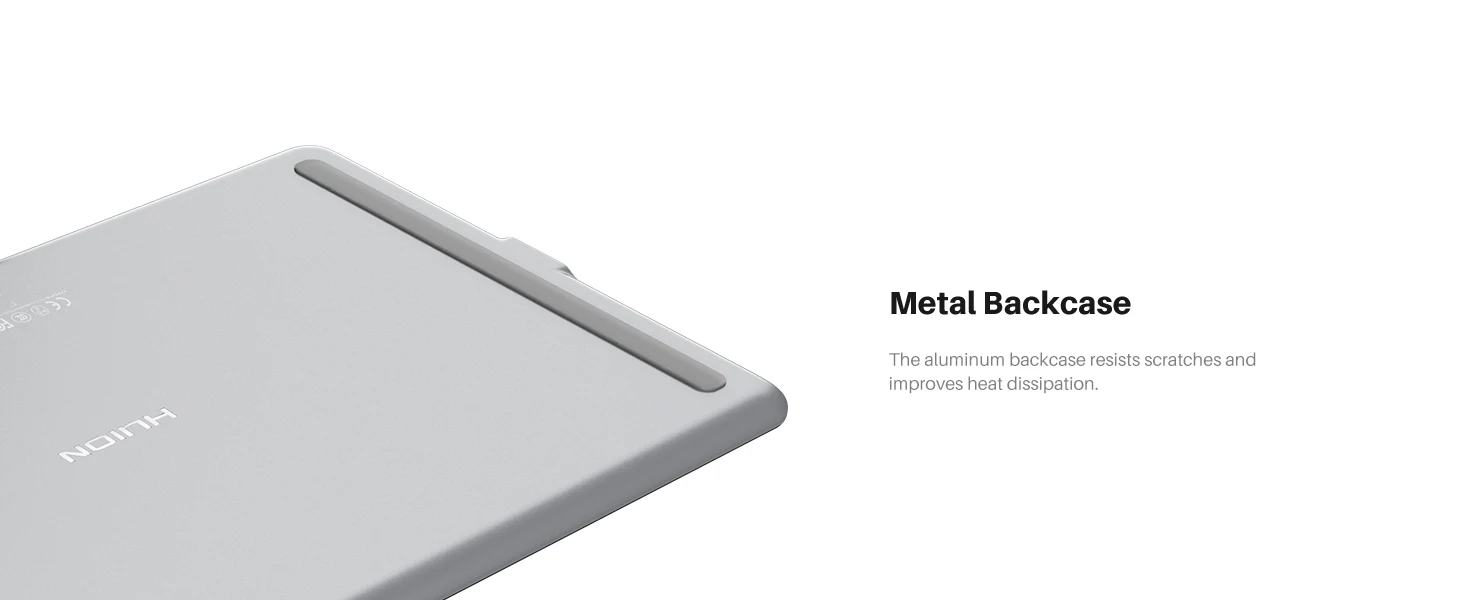
Metal Backcase: The aluminum backcase resists scratches and improves heat dissipation.
Beginner-friendly: It comes with handy default shortcuts so you can dive in quickly.
All Accessories Included: Everything a beginner needs comes in the box: cable, stand, spare nibs, pen holder, and glove
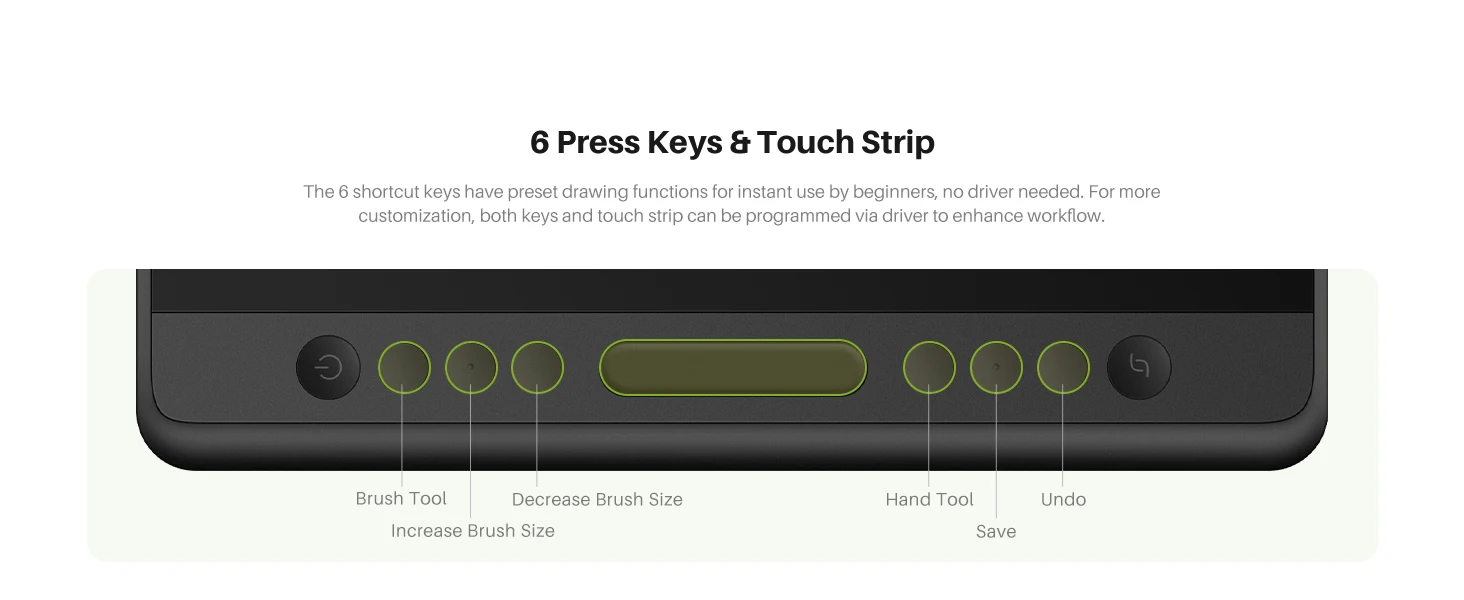
The 6 press keys and the touch strip can be programmed to various shortcuts through the driver to streamline your workflow. Additionally, it comes with preset settings for drawing, making it easy for beginners to start using right out of the box. Pro Tip: Hold the function key for 3s to turn keys into OSD menu controls.
Create All Possibilities on One Display.
Kamvas Pro 16 V2 is a versatile pen display that meets the creative needs of various art styles. For beginners, it provides everything you need to help you quickly start your artistic journey.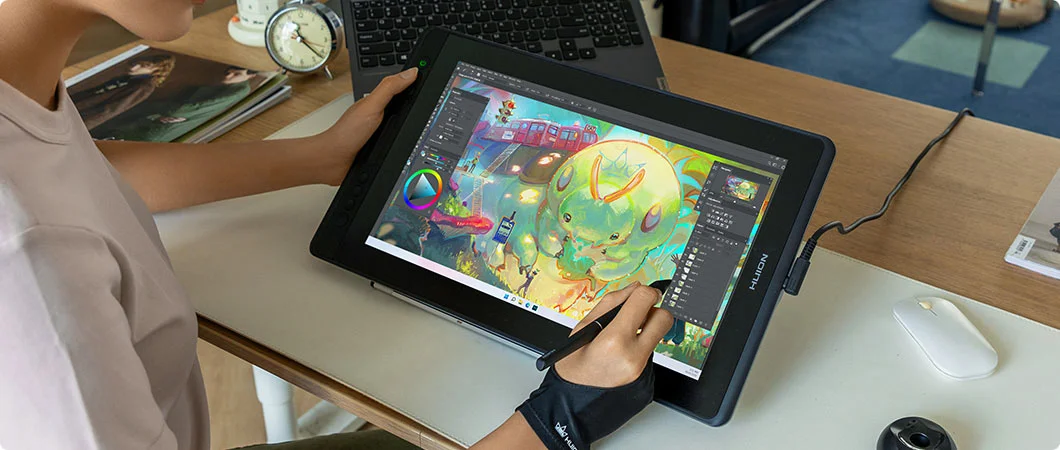
For Illustration: With advanced PenTech 4.0 pen technology, you can enjoy a more precise and stable drawing experience while creating detailed illustrations.
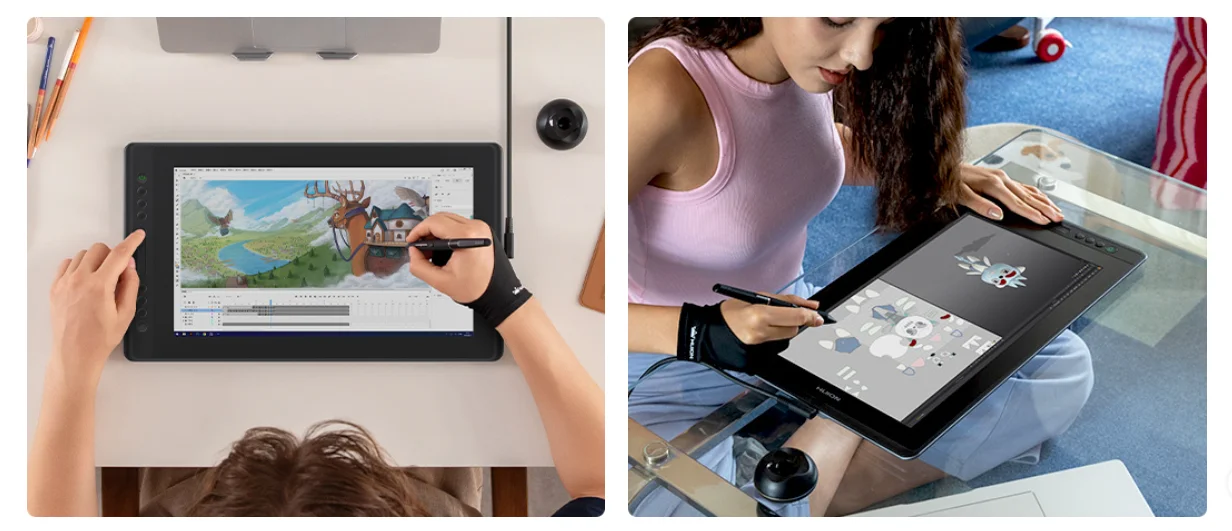
For Animation: The customizable press keys and touch strip provide quick access to functions, increasing your efficiency when working on animations.
For 3D modeling: The 15.6-inch screen provides more workspace, preventing a cramped experience. Additionally, the pen can function as a carving tool to fine detailing on your models.
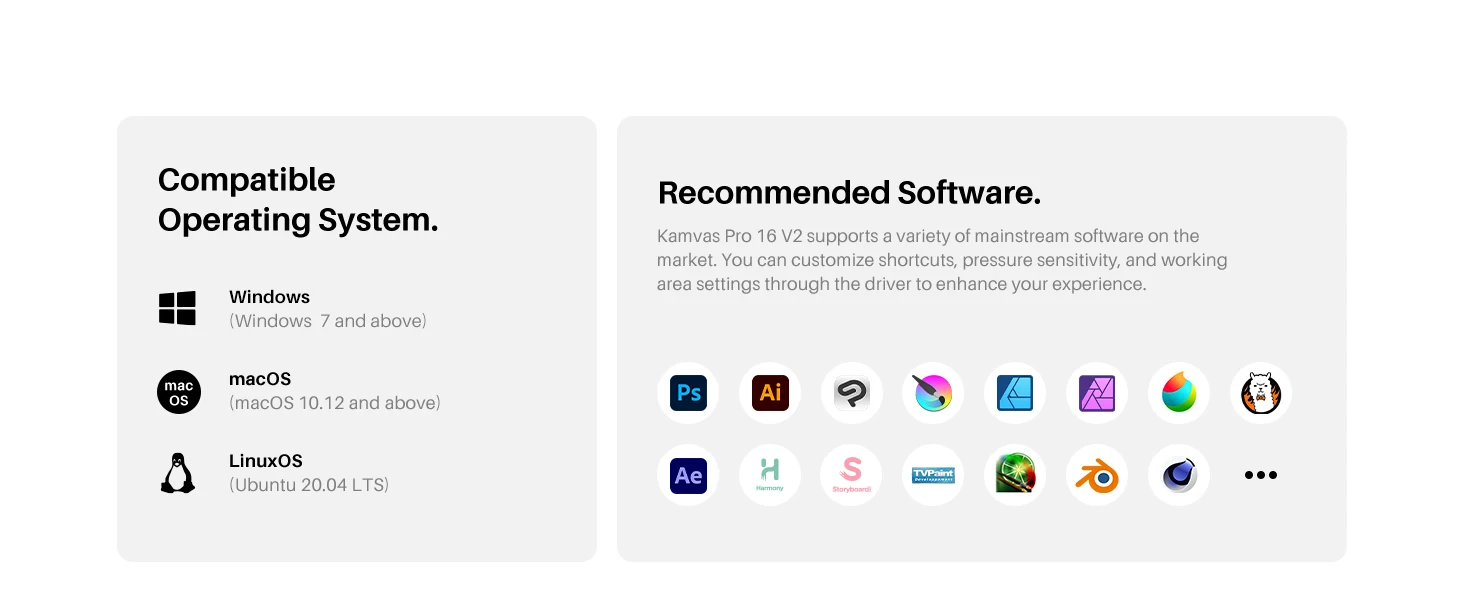
Operating system: Linux (Ubuntu 20.04 LTS), Windows 7 and above, macOS 10.12 and above. (Need to Connect with a computer or laptop, can not work alone. Kamvas Pro 16 V2 do not support phone connection.)
Additionally, it has excellent compatibility with creative software such as Adobe Photoshop, Clip Studio Paint, SAI, and Lightroom.
The terms HDMI, HDMI High-Definition Multimedia Interface, HDMI Trade dress and the HDMI Logos are trademarks or registered trademarks of HDMI Licensing Administrator, Inc.
All You Need Included.
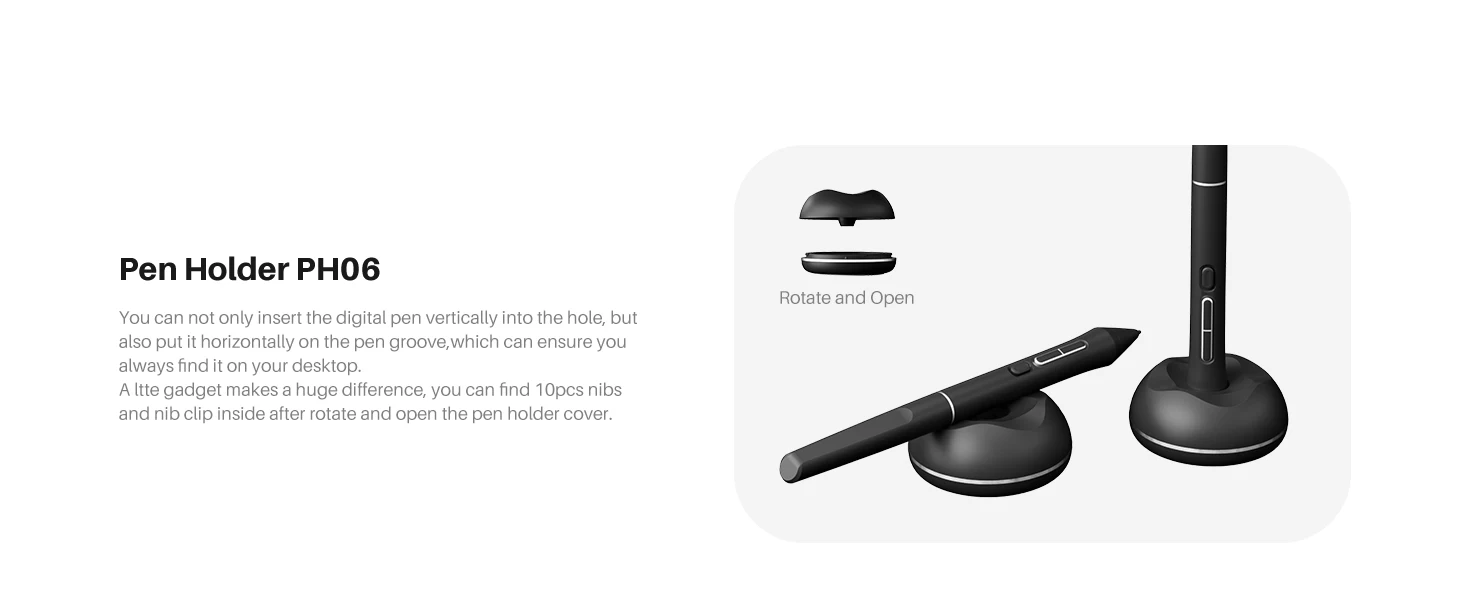
Pen Holder PH06: You can only insert the digital pen vertically into the hole, but also put it horizontally on the groove, which can ensure you always find it on your desktop. A little gadget makes a huge difference, you can find 10pcs nibs and nib clip inside after rotate and open the pen holder cover.
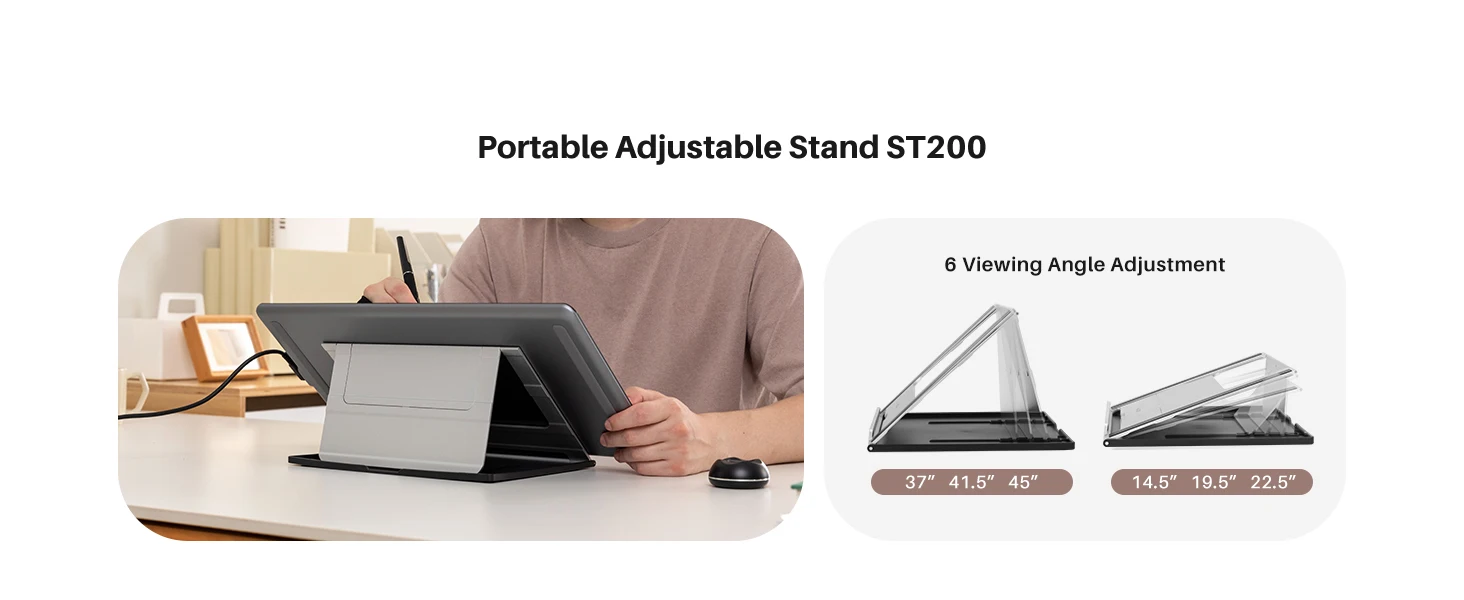
Kamvas Pro 16 V2 is at just about 11.5mm thick and 1.2kg weight, this drawing monitor display is slimmer than the old version. The included ST200 aluminum stand offers six angles (14.5°-45°) with anti-slip pads, enabling ergonomic creation anywhere. 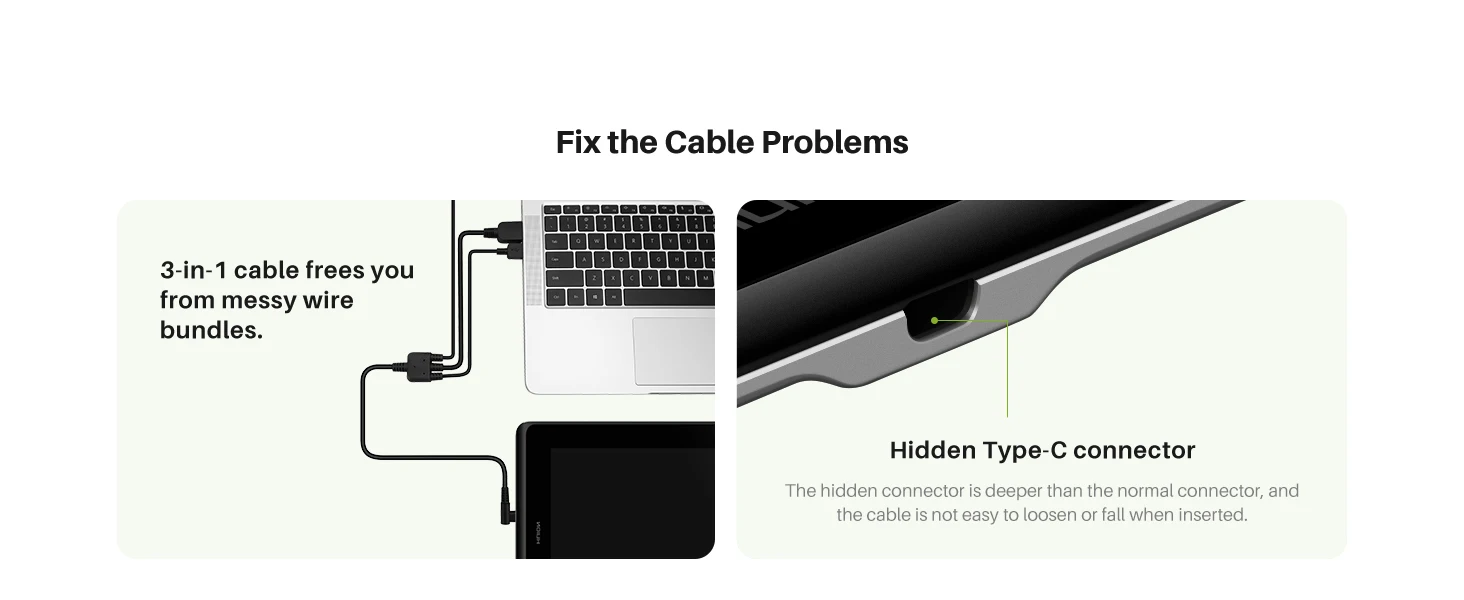
Clean Setup, Secure Connection: The 3-in-1 cable frees you from messy wire bundles on the graphic arts tablet. Our exclusive recessed Type-C port (deeper than standard) locks the cable securely in place, preventing accidental disconnects.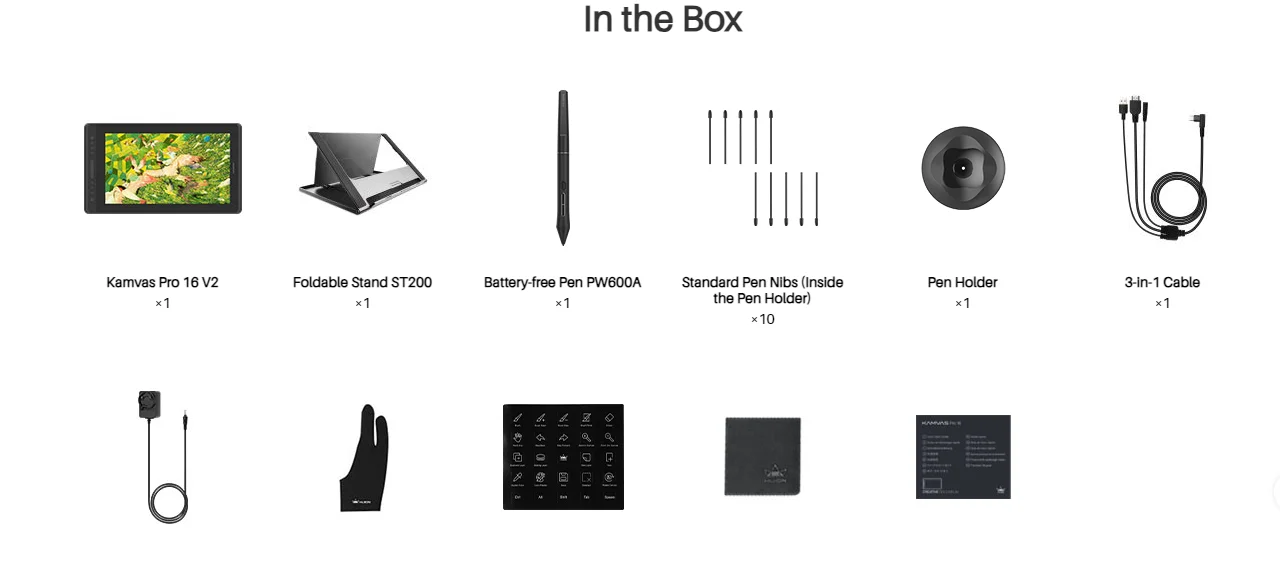
Package Content: Kamvas pro 16 V2 pen display, foldable ST200, pen PW600A, pen holder, 10 standard pen nibs in the pen holder, 3-in-1 cable (about 1.8m length), power adapter(about 1.5m length), artist glove, shortcut key sticker, cleaning cloth, quick start guide.
FAQs
What is the difference between Kamvas Pro 16 and Kamvas Pro 16 (V2)?
What are the advantages and improvements of Canvas Glass 2.0?
What is Huion PenTech 4.0 Technology?
What are the differences between PW600A, PW600L, PW600 and PW600S?
Does the Huion Kamvas Pro 16 (V2) support a one-cable connection?
CARE & MAINTENANCE
To maintain the beauty and integrity of your purchase, we recommend treating it with care. Simple maintenance practices, such as gentle washing and proper storage, can effectively preserve the longevity of your favorites. We encourage you to refer to the care instructions included with each item, designed to help you keep your purchase in top condition.
SHIPPING & RETURNS
We strive to process and ship all orders in a timely manner, working diligently to ensure that your items are on their way to you as soon as possible. Need to return something? Just let us know.
Embracing small joys
Each item is designed to blend harmoniously with your living space while adding a unique touch. We aspire to bring balance and enrichment to everyday life.